

Using Noir with LM Studio
Integrate Noir with LM Studio for local, private code analysis.
Run local language models using LM Studio for private code analysis.
Setup
-
Install: Download from lmstudio.ai
-
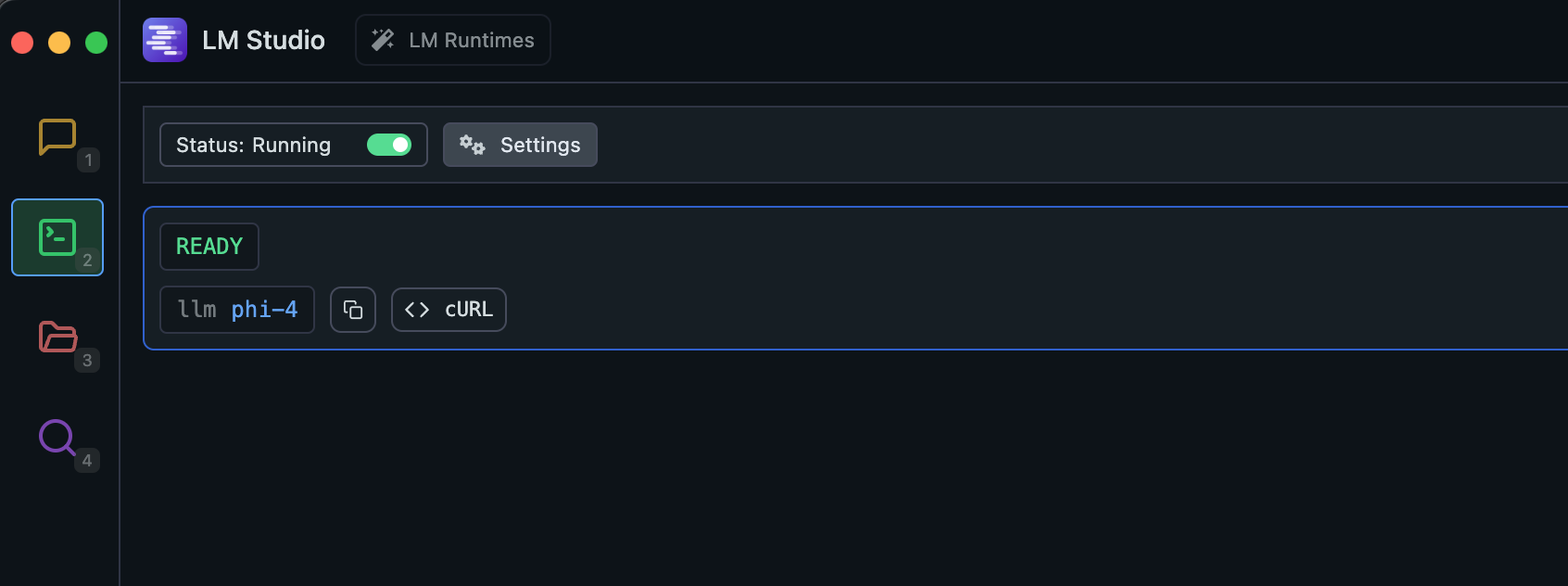
Start the server: Open LM Studio, go to the Developer tab, load a model, and switch the server status to Running.
Usage
noir scan ./spec/functional_test/fixtures/hahwul \
     --ai-provider=lmstudio \
     --ai-model <MODEL_NAME>
Replace <MODEL_NAME> with the model name LM Studio is serving. The lmstudio preset points at http://localhost:1234/v1; if you changed the port, pass the URL instead.